
Novamira 1.7.0: the Context page
June 12, 2026
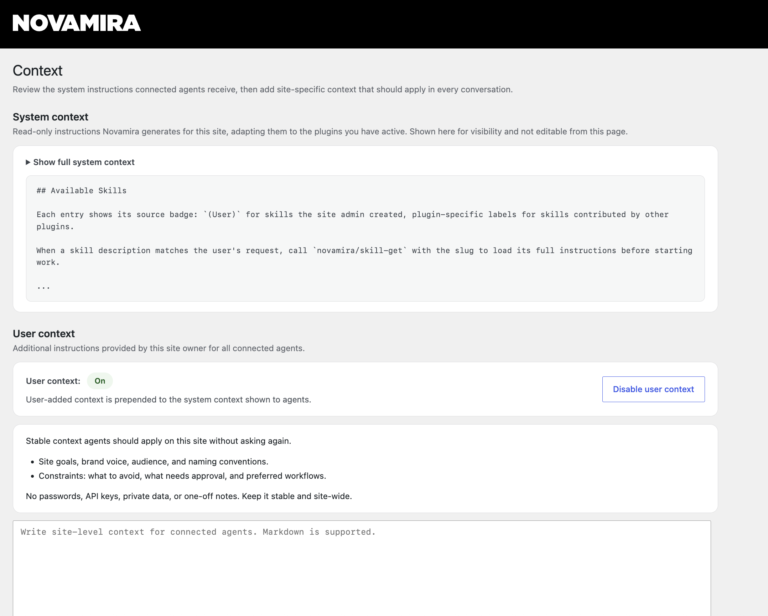
Novamira 1.7.0 adds a Context page to the WordPress admin, under Novamira > Context.
The page has two sections. System context shows the instructions Novamira generates for this site, adapting them to the plugins you have active. It is shown here for visibility and cannot be edited. User context is yours to fill in: whatever you write there applies in every conversation with connected agents, without you having to repeat it.
Use user context for things that should always apply: site goals, brand voice, the builders and plugins you want the agent to use, things it should avoid, approval requirements, content policies.
User context can be enabled and disabled independently. When you disable it the content stays in place and is used again when you re-enable.
Sites on Novamira Pro that had already configured custom instructions will find them automatically migrated to the new page.