
Connect your AI
The Configure your AI page connects your AI client to Novamira HQ. You do it once: from then on the client reaches every site in the app through this single connection, including sites you add later.
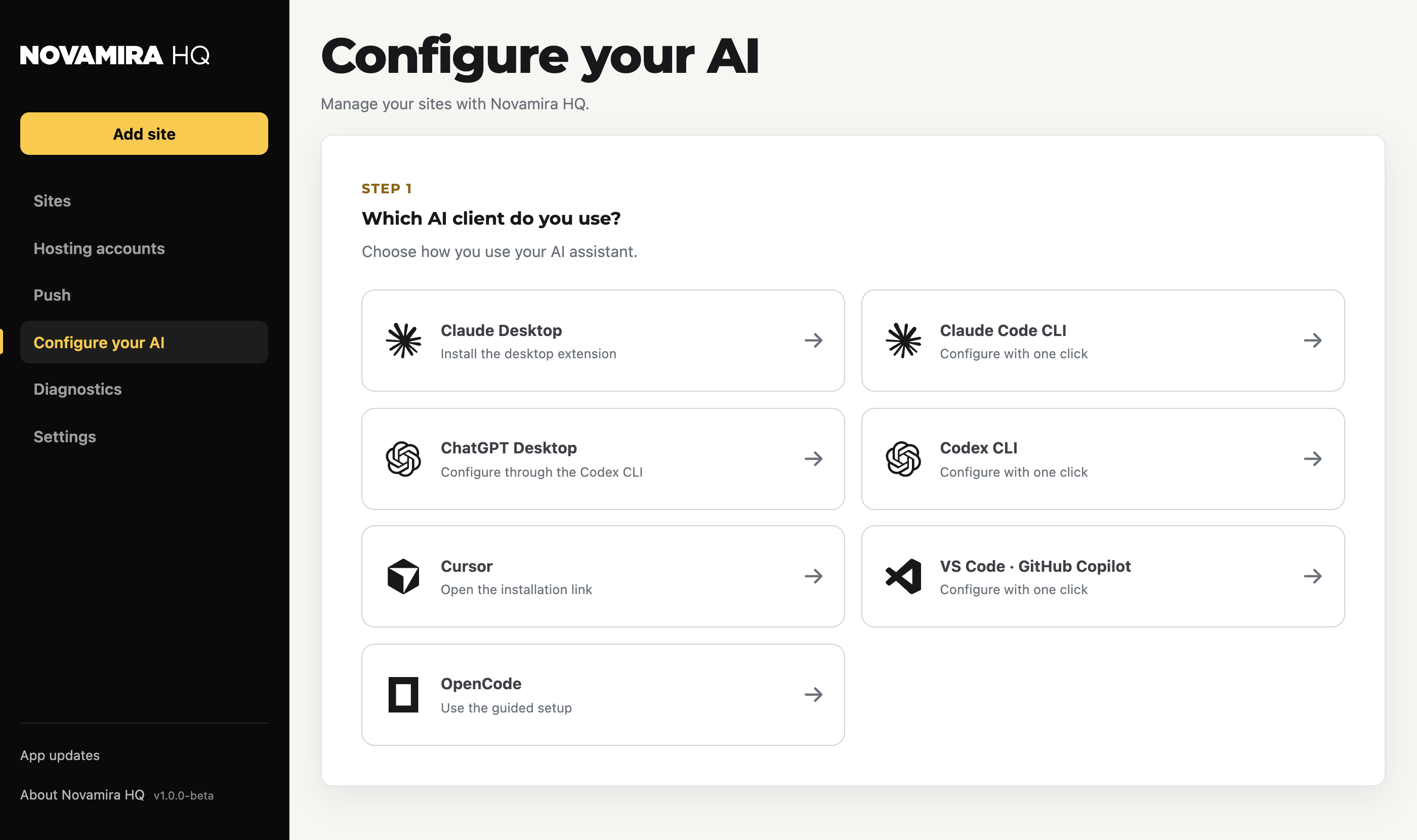
Supported clients
The guided setup covers:
- Claude Desktop: installs the desktop extension
- Claude Code CLI: configured with one click
- ChatGPT Desktop: configured through the Codex CLI
- Codex CLI: configured with one click
- Cursor: opens the installation link
- VS Code · GitHub Copilot: configured with one click
- OpenCode: guided setup
Any MCP-compatible client can connect; these are the ones with a guided path.
How it works
Your AI talks to Novamira HQ on your machine, and Novamira HQ routes the work to the right site. Which sites the AI can reach is exactly the list on the Sites page.