
Hosting accounts
A hosting account is the fastest way to bring sites in: connect it once and Novamira HQ discovers its sites and environments.
Connecting an account
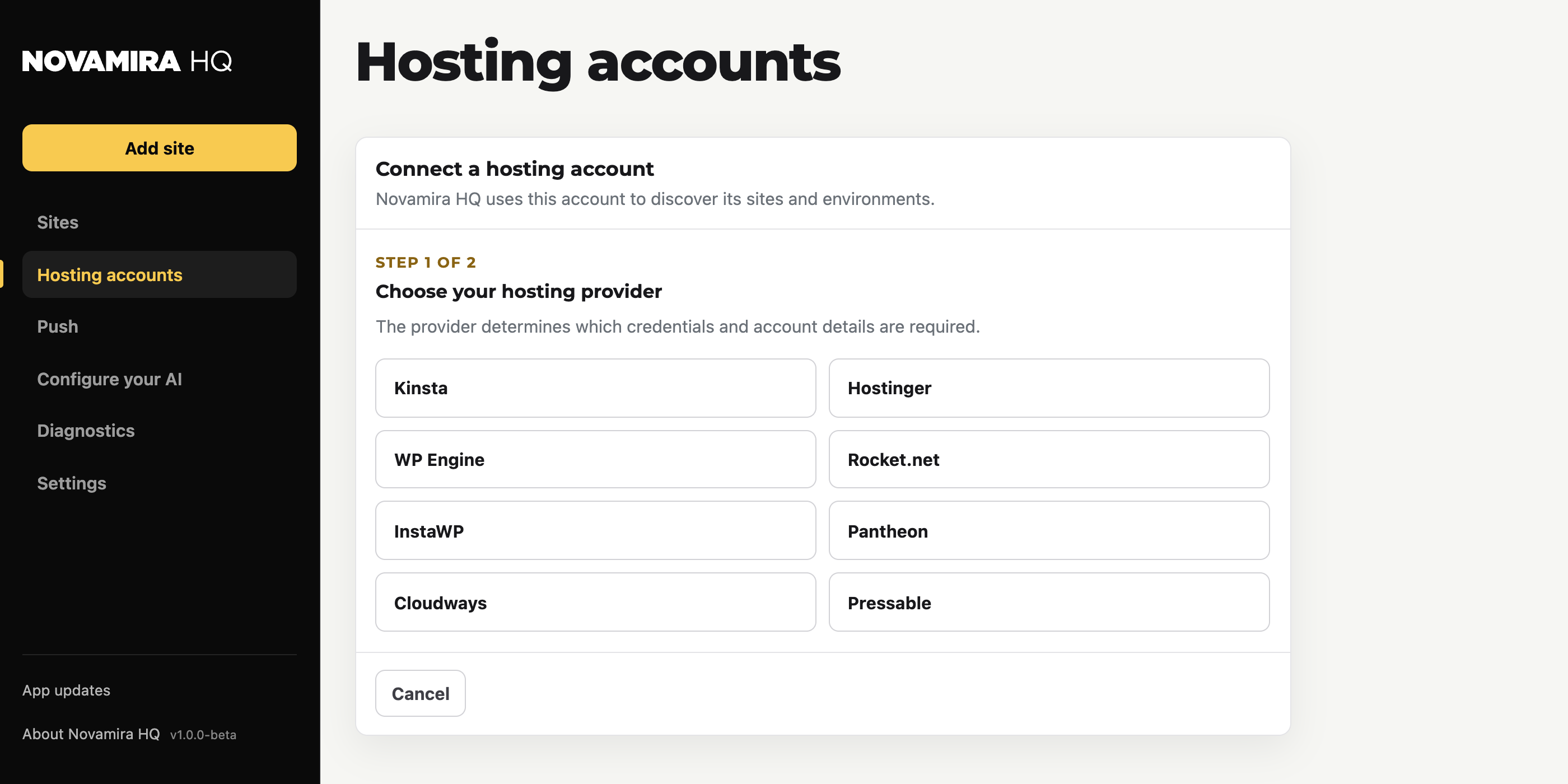
- Choose your hosting provider. The provider determines which credentials are required.
- Enter the account details. A local account name, plus the credential for that provider. The page for each hosting company in this section says exactly which credential it is and where to find it.
Your hosting credentials are stored only on your computer, separately from the app configuration. Novamira HQ calls the hosting API directly from your machine.
Managing accounts
Each configured account has its own actions:
- Available actions: what Novamira HQ can do on this provider
- Activity: the operations run against this account
- Edit: change the name or credential
- Verify access: check that the credential still works
- Remove: forget the account in Novamira HQ (nothing changes on the hosting itself)
Hosting history keeps a record across accounts, and Refresh re-reads sites and environments.